Earnings: board earnings and your affiliate link
Earnings has two tabs: Board earnings, for properties you've put on the Zi-Find board, and Affiliate, for what you earn by bringing others to Zi-Find. Money your own clients pay you through your flows isn't here — that goes straight to your Stripe account.
Board earnings
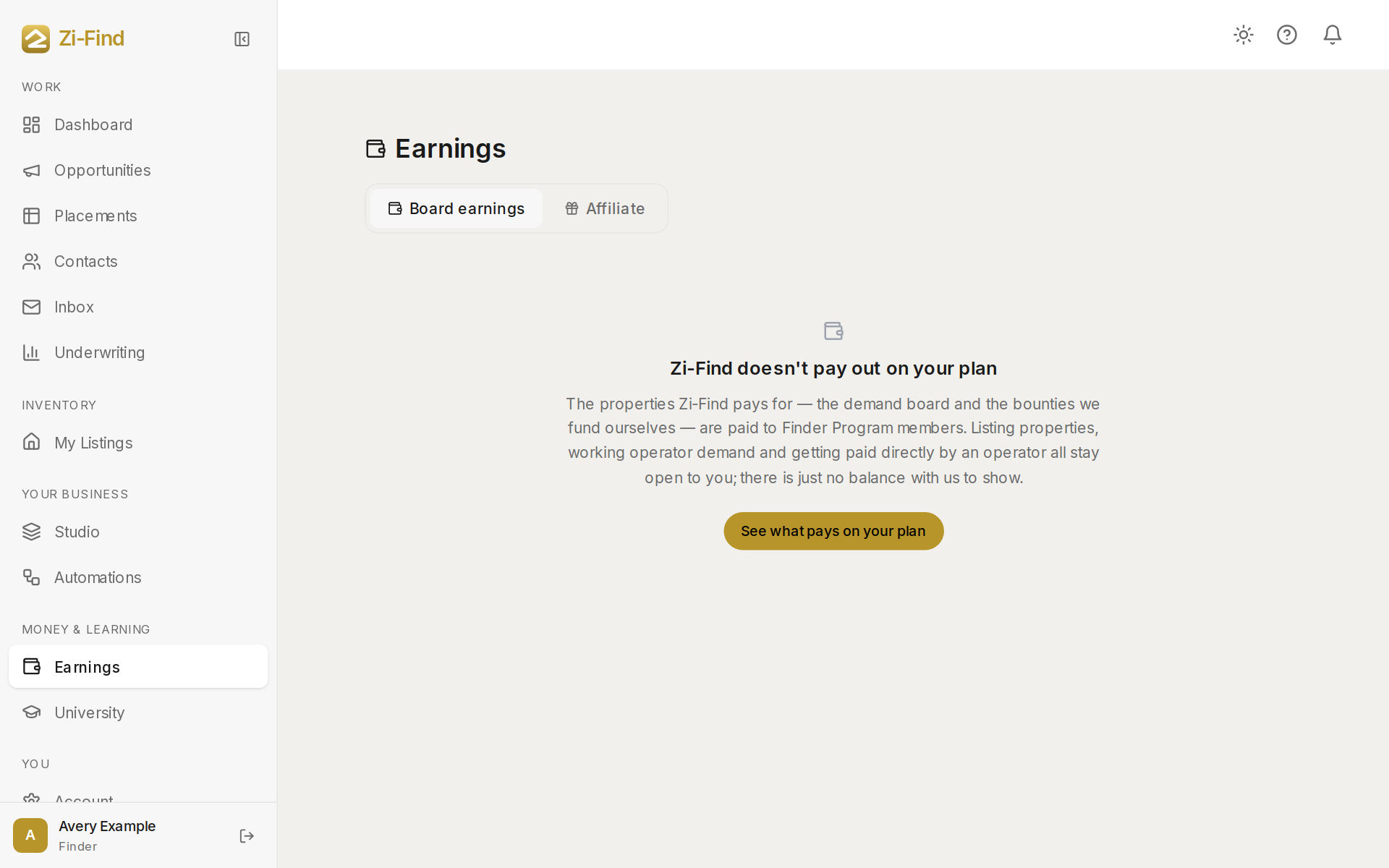
The board is the lane where Zi-Find itself pays for sublease-approved properties in markets with real operator demand. It's part of the Finder Program; Finder Pro+ on its own does not include board contributions. If you are in the Finder Program, this tab shows every property you've put on the board at the rate posted when you submitted it.
Your rate is flat. It never depends on a lease being signed.
The totals at the top are:
- In review — submitted, being checked.
- Owed to you — cleared. Zi-Find owes you the posted rate.
- Paid — the money has gone out to you.
Each row shows the property, market, status (In review, Being verified, Cleared, Listed, Paid or Not accepted) and rate.
Getting paid from the board
- When a property clears, open it on the board and send your invoice to Zi-Find — a payment link, an uploaded invoice, or both. The amount is fixed at your locked rate.
- Zi-Find pays you directly, outside the platform, and marks it Paid.
Properties awaiting written confirmation
If a property is credited to you but the owner hasn't confirmed in writing yet, it's listed under awaiting written confirmation with what it would pay at today's rates. Click Ask the owner (or Remind the owner) and we send the owner the request and record their answer.
Affiliate
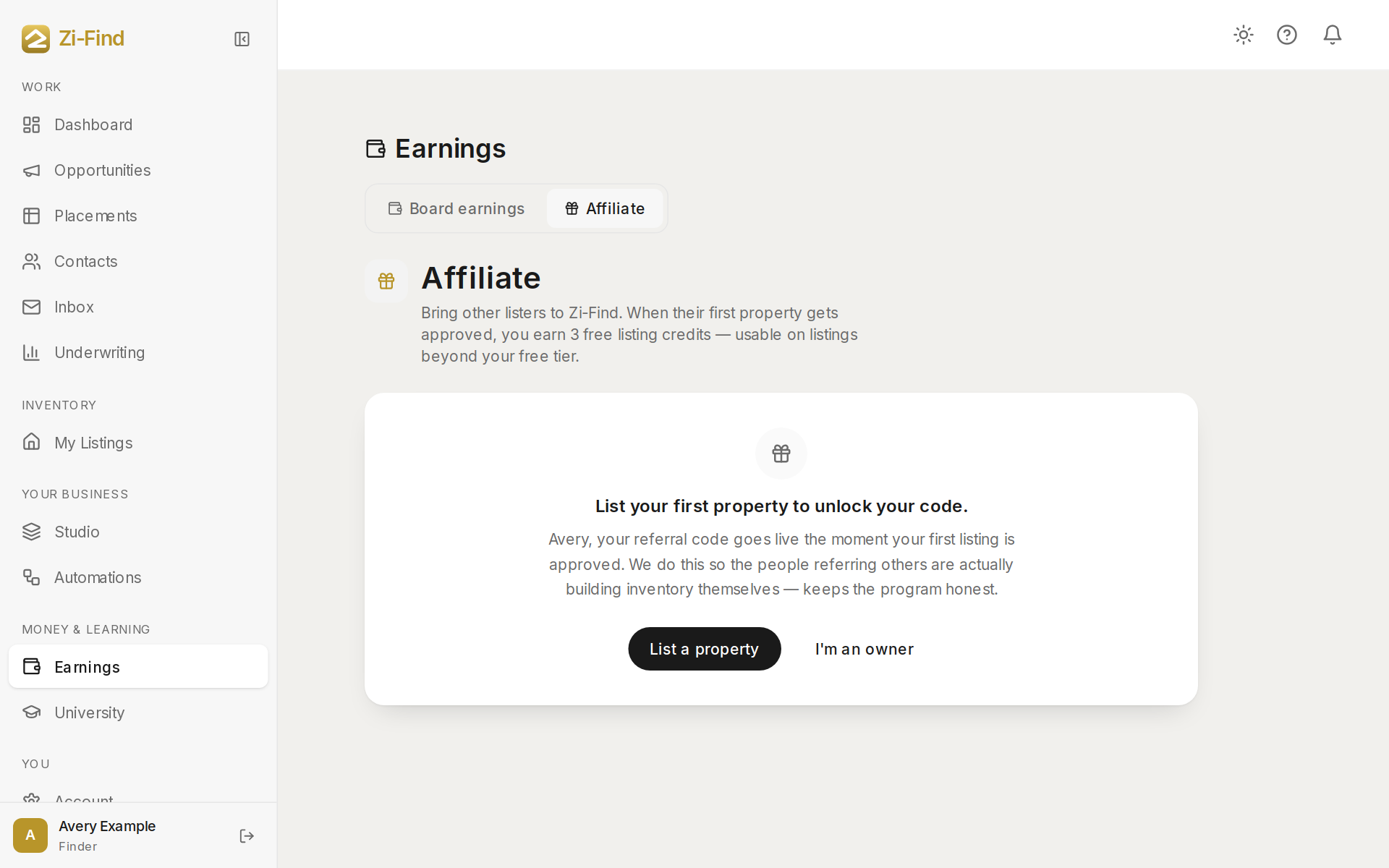
The Affiliate tab (it used to be called Refer & earn) has your referral code and link.
- List your first property to unlock your code.
- Copy or share your link with another lister — a finder, owner or agent.
- When they sign up with it and their first listing is approved, you earn listing credits.
The tab shows Credits available (spend them on your next listing), how many more you can earn before the lifetime cap, Qualified referrals, Pending referrals (signed up, no listing yet), People you invited and Now active suppliers.
Good to know
- Payments from your own clients are in your Stripe dashboard, not here. See Get paid by your clients.
- If a submission has no posted rate on file yet, it isn't counted in the totals, and the page says so.
- Realtors see an invite-only version of this page with no compensation for invites.
Need more help?
Customers get support inside their account. Sign in, then open Help or the chat bubble in the corner.