Your Inbox: email clients from your own address
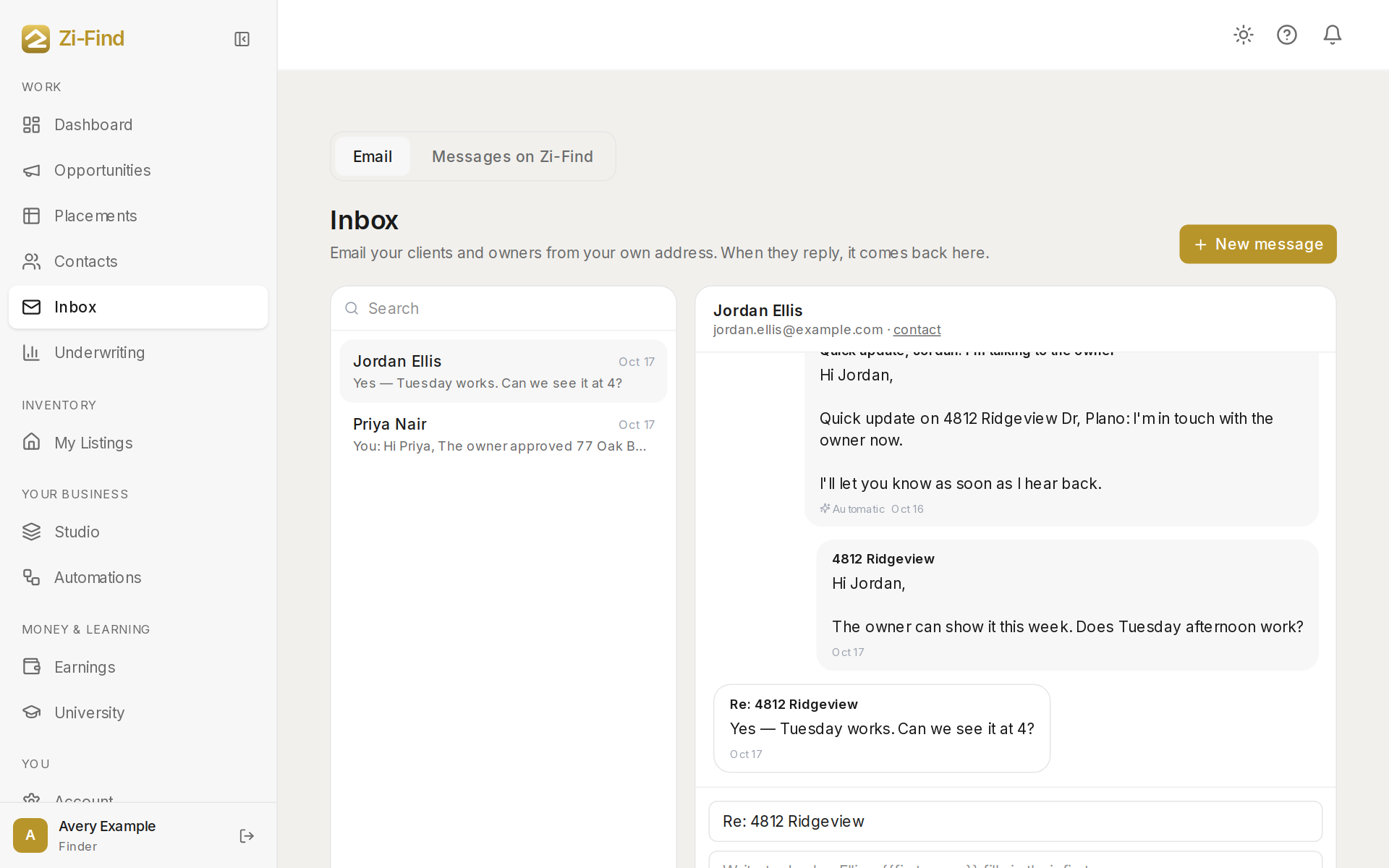
Inbox lets you email your clients and owners from your own business address, and get their replies back here instead of in your personal email. Each contact has one email thread, so the whole conversation — including your automatic emails — is in one place.
Before you start
Connect your own email (Resend) in Account → Integrations. Until you do, the Inbox shows a banner with a Connect button, and messages to your own clients can't be sent. See Connect your own email.
Send an email
- Click New message and choose a contact (or click Email from your inbox on a contact in Contacts).
- Write a Subject and your message. The first-name fill-in shown in the message box puts in their first name.
- Click Send.
Schedule an email
- Tick Send later and pick a date and time.
- Click Schedule.
The message shows in the thread as Scheduled for that time, with a cancel link you can use until it goes.
How replies come back
Every contact has a private reply address. When they hit Reply in their email app, the reply lands back in this thread, and you get a notification in the bell and an email letting you know. You don't need to watch your personal inbox.
What you'll see in a thread
- Messages you sent, and their replies.
- Emails your automations sent, marked Automatic.
- Not sent — your email isn't connected if a message was held. Held messages aren't sent later on their own; send them again once your email is connected.
- Didn't send if the send failed.
Operators from the Zi-Find network
If an operator came to you only through Zi-Find's network and your own email isn't connected, the composer tells you the message will go out from Zi-Find. Their reply still comes back here. Your own clients only ever hear from your address. See Why client email comes from your own domain.
Messages on Zi-Find
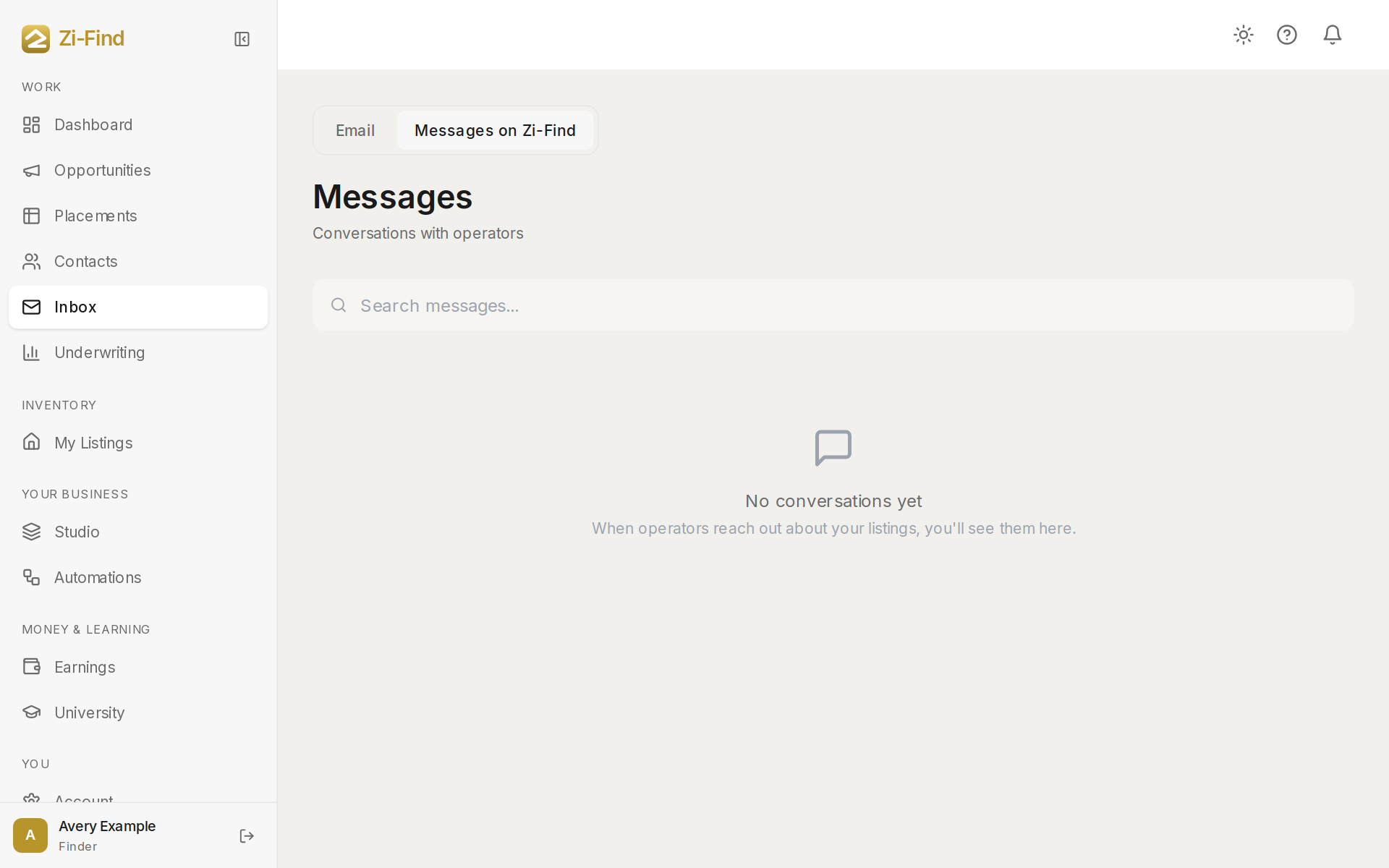
The second tab, Messages on Zi-Find, holds your conversations on Zi-Find with operators about listings — the same Messages you've always had, now inside your Inbox.
Good to know
- Search by name at the top of the list.
- A contact with no email on file can't be emailed. Add their email in Contacts.
- On a phone, Inbox is one of the three tabs in the bottom bar.
Need more help?
Customers get support inside their account. Sign in, then open Help or the chat bubble in the corner.