Board decisions, gate-by-gate feedback and getting paid
Every property you send to the board is decided by a person, and every decision — cleared or not — comes back gate by gate so you can see why. When a property clears, a Send invoice to Zi-Find button appears on it. Send a payment link or attach an invoice, and Zi-Find pays you the rate that was locked when you submitted. The payment happens off-platform; no money moves through Zi-Find.
How a submission moves
- Submitted — received, waiting for review.
- Verifying — a reviewer is contacting the owner and checking the approval.
- Cleared — the approval holds up and the rate is owed to you.
- Listed — the property is live for subscribers.
- Paid — the payment went out, with the date.
- Did not clear — refused, with the reason.
Clearing and listing are separate steps: clearing means you're owed the rate, listing means the property is in front of subscribers.
Reading your feedback
Under each decided submission, press the feedback line to open it (for example Cleared — how it read, gate by gate or Did not clear — the owner is reachable). It shows:
- The five gates, each marked as held, not held, or not checked. A gate nobody checked is never shown as held.
- From the reviewer — an optional note.
- Next time — at most one concrete thing to do differently, or "do exactly this again" when the shape is right.
Older decisions made before gate-by-gate feedback existed say so, and show only what the decision itself implies.
The most fixable refusal is We could not reach the owner: get the number the owner actually answers and send the property back in. A refused property coming back fixed is not treated as a duplicate.
Your performance read-out
Further down the board lane is a summary built only from your own submissions — never anyone else's. Once you have enough decided submissions, it shows your clear rate, what tends to clear for you, and the gate you most often lose on. If the same gate comes back on you twice recently, it says so. Until then it tells you how many more decisions it needs.
Getting paid
- When a submission shows Cleared, press Send invoice to Zi-Find on it.
- Paste a payment link (Stripe, PayPal or whatever you use) and/or attach an invoice as a PDF or photo. Either is fine, or both.
- The amount is fixed at the rate the market posted when you sent the property in. You are telling us where to send it, not what to pay.
- Press Send it. The row shows Invoice received — processing.
- When we pay you, the row shows Paid and the date.
Need to change your details? Press Update payment details. Sending again replaces what you sent before — it never creates a second invoice.
Good to know
- The rate is flat and never depends on a lease being signed. It is not a commission.
- If a market's rate moves while you wait, you are still paid the number that was posted when you started.
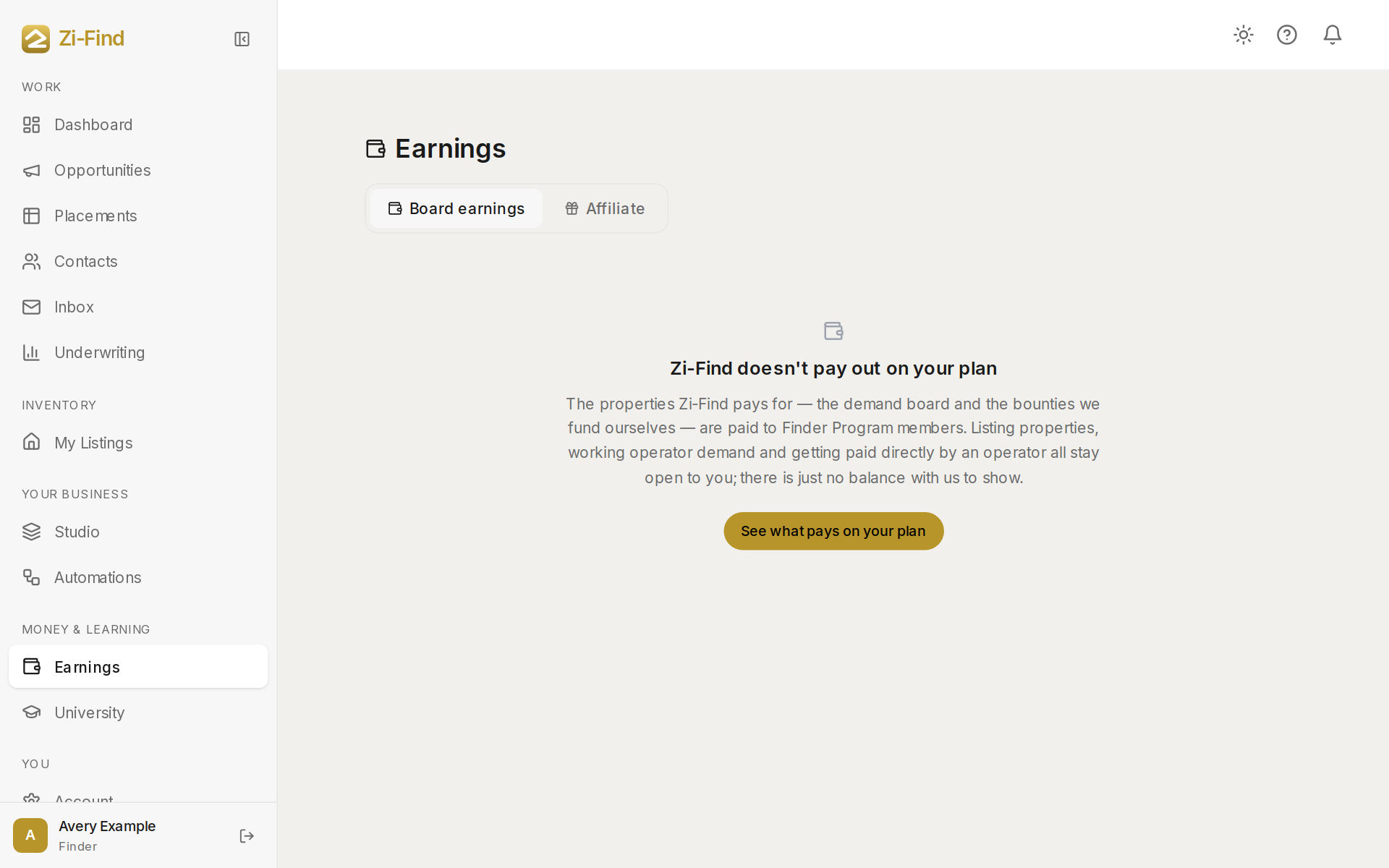
- The Earnings page totals what is in review, owed to you and paid. See Your finder earnings.
- Questions about a decision or a payment? Sign in and use the chat bubble in the bottom corner.
Can I argue with a refusal?
You can send the property again once you have fixed what the feedback names. If you think a decision is wrong, use the chat bubble and include the address.
Need more help?
Customers get support inside their account. Sign in, then open Help or the chat bubble in the corner.