How message threads work on Zi-Find
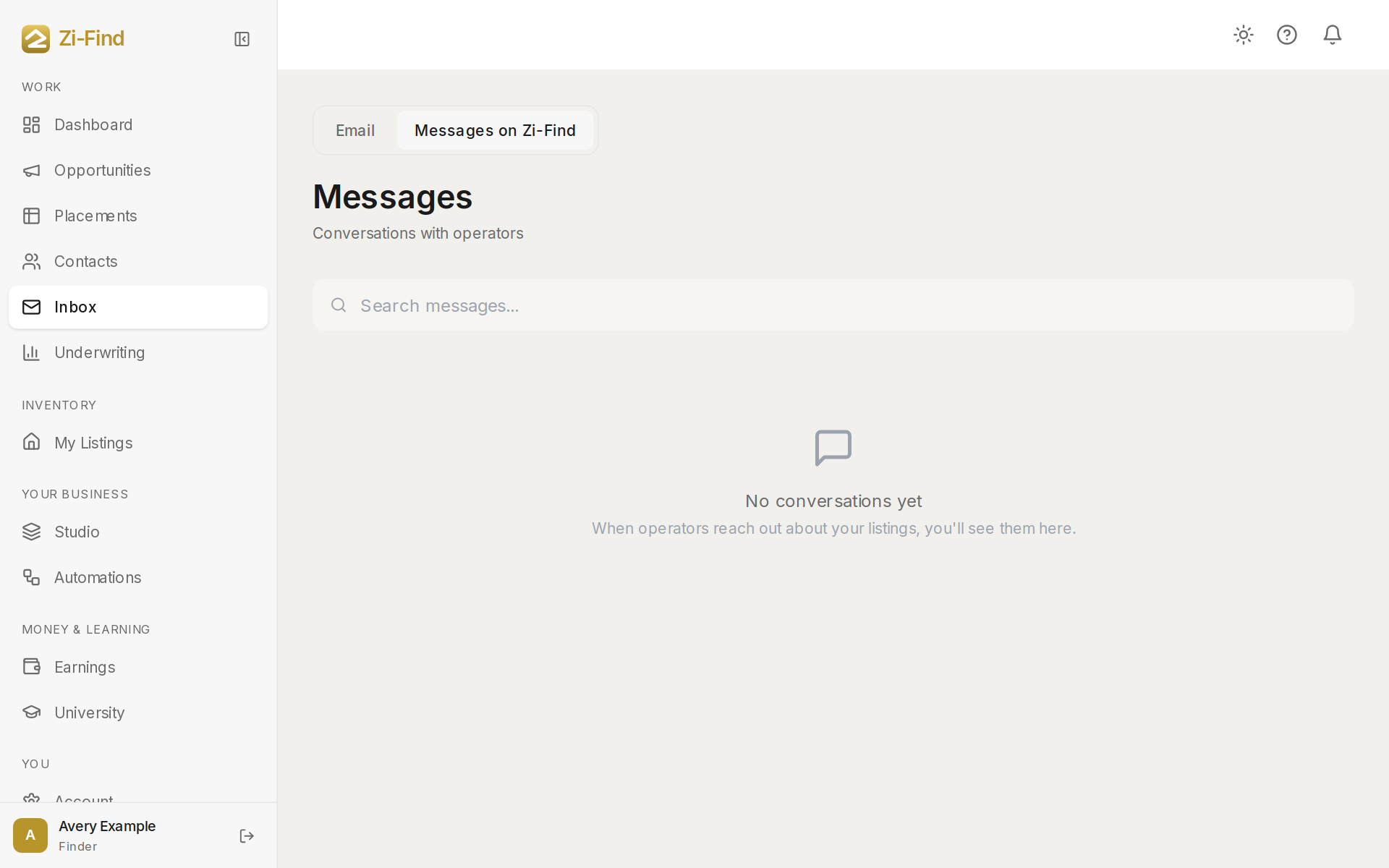
Every conversation on Zi-Find is a thread between two people about one property. When an operator messages the lister of a property, a thread opens between them, and every later message about that property goes into the same thread. You find all your threads under Messages in the sidebar.
Who talks to whom
- Operators message the person who listed a property: a finder, a realtor or an owner.
- Finders, realtors and owners receive those messages and reply.
- Co-hosts can be contacted from their profile with Get in touch. That opens a thread about their co-host services rather than about a property.
Realtors see the same list under Operator Inquiries in their sidebar. Finders on Pro+ find it as the second tab of their Inbox.
One thread per property, per pair
A thread belongs to one property and two people. If you message the same lister about the same property again, the message goes into your existing thread instead of starting a new one. If you ask about a different property, that is a separate thread.
You cannot message yourself about your own listing.
Reading the Messages page
- Click Messages in the sidebar.
- Threads with new messages appear at the top under Unread, with a count. Everything else is under Earlier.
- If you talk to more than one kind of person, filter buttons appear, such as Property owners, Co-hosts or Vendors.
- Use Search messages... at the top to find a thread.
- Click a thread to open it. The header shows who you are talking to, and a card shows the property it is about.
- Type in Write a message… and send.
Sharing contact details and links
Anyone can send plain messages. Sharing contact details or links (an email address, phone number or web link) inside a thread needs a paid plan on at least one side of the conversation:
- Operators on Pro Host or Elite Host can share them, and that unlocks sharing for both people in the thread.
- Finders and realtors on Finder Pro or above can share them, which also unlocks the thread for both sides.
If neither side has a plan that includes it and your message contains contact details, it will not send. You will see a prompt to upgrade, or you can remove the details and send the rest.
When the owner does not have an account
Some listings are posted on an owner's behalf. If you message one of those, your message is emailed to the owner, and their reply goes straight to your email address. This needs an active operator plan, because your email address is shared with the owner. The confirmation tells you where to watch for their reply.
Good to know
- Messages are not visible to anyone outside the thread. Zi-Find staff may review conversations for support and safety.
- Agreements, deposits and rent are arranged directly between you and the other party. Zi-Find is not part of the deal.
- See Replying through the platform for why replies should stay inside Zi-Find.
FAQ
Can I delete a thread?
There is no delete option for threads. Keep the conversation and simply stop replying if it is no longer relevant.
Why did my message not send?
Most often it contained contact details or a link on a thread where sharing is not unlocked. Remove them or upgrade, then send again.
Need more help?
Customers get support inside their account. Sign in, then open Help or the chat bubble in the corner.